
Game studio
Universoft Games
Get the launcher and play every game with one account.
Universoft Games is a Universoft (opens in a new tab) brand.
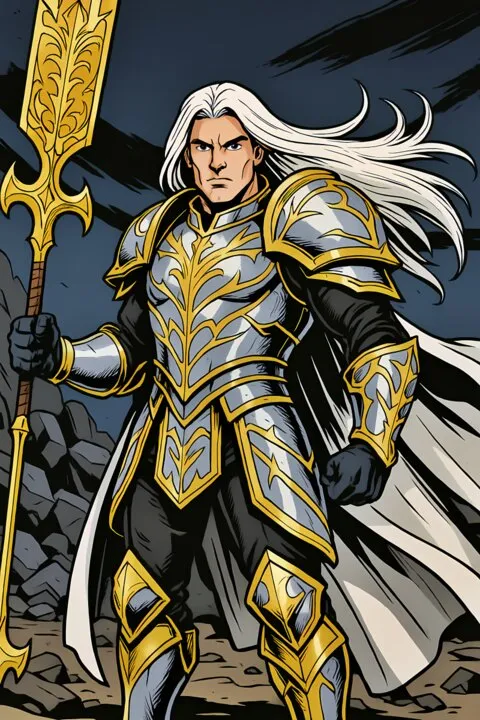


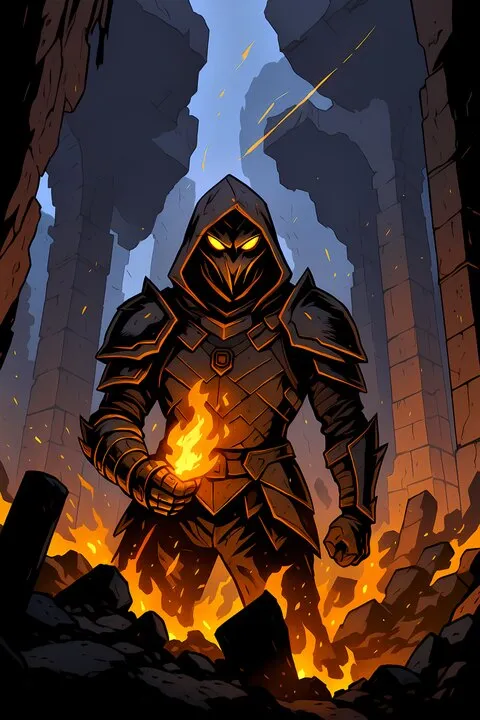
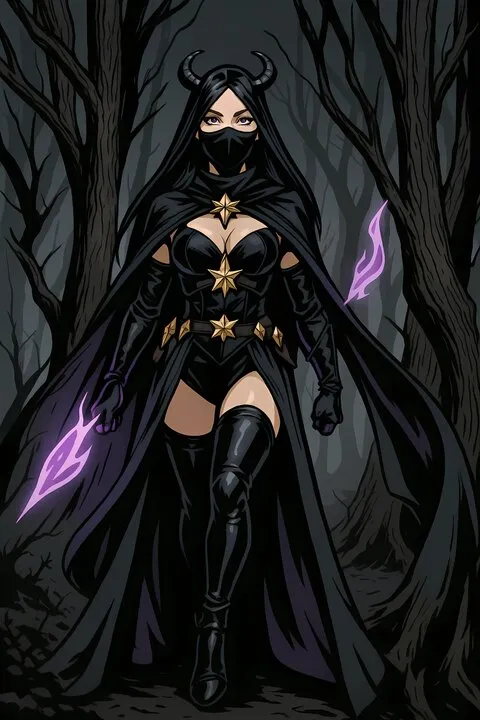



Welcome! Which world will you enter?



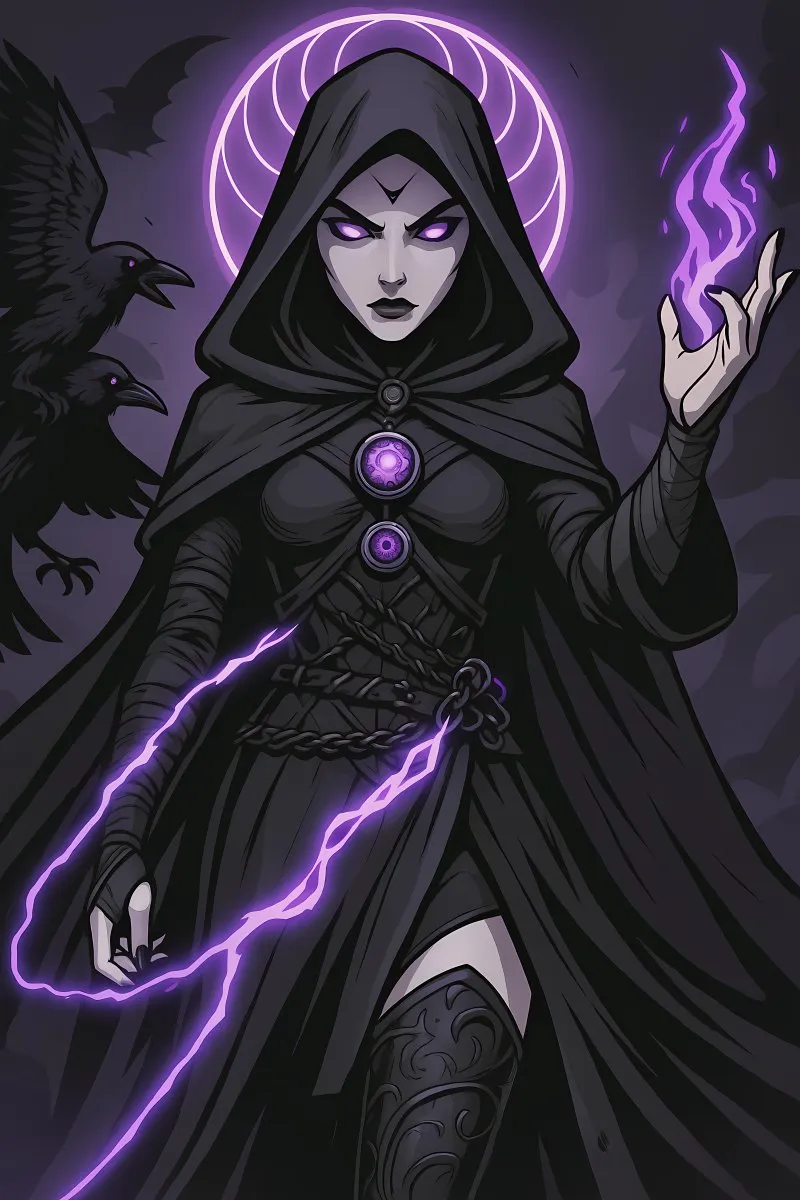
Card game
Evolia
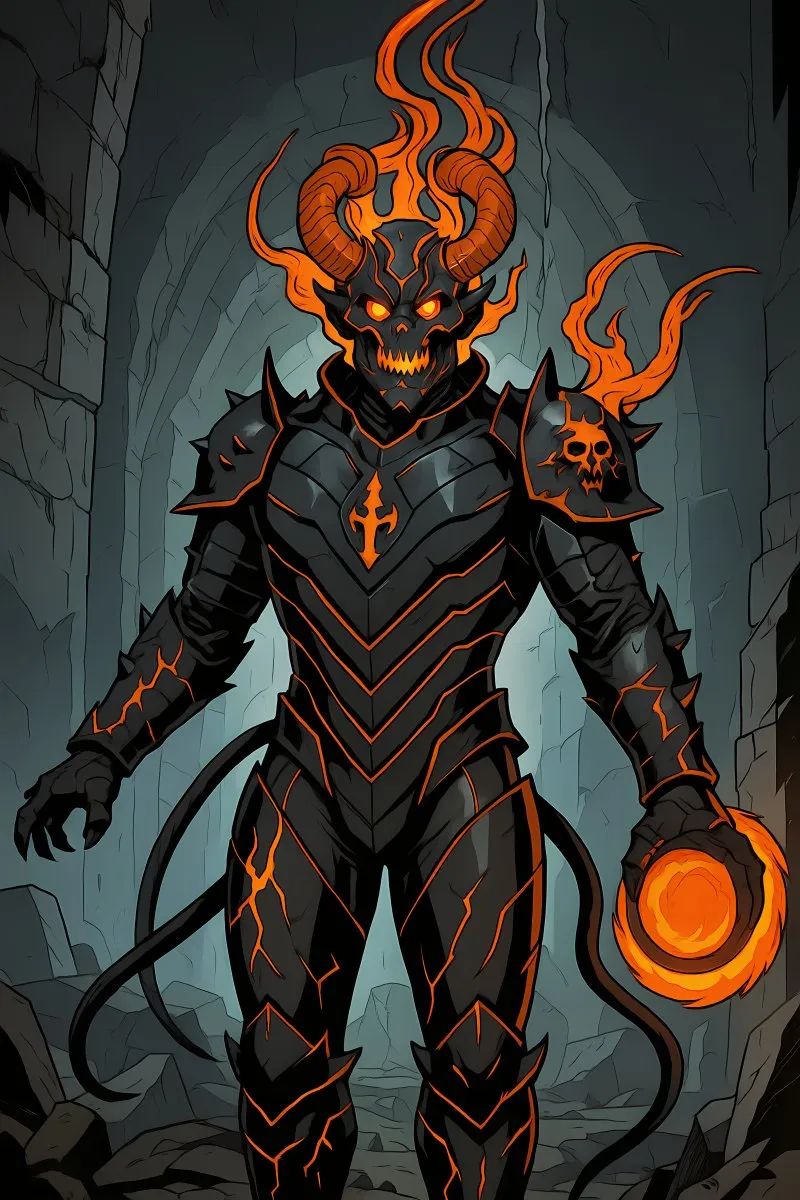
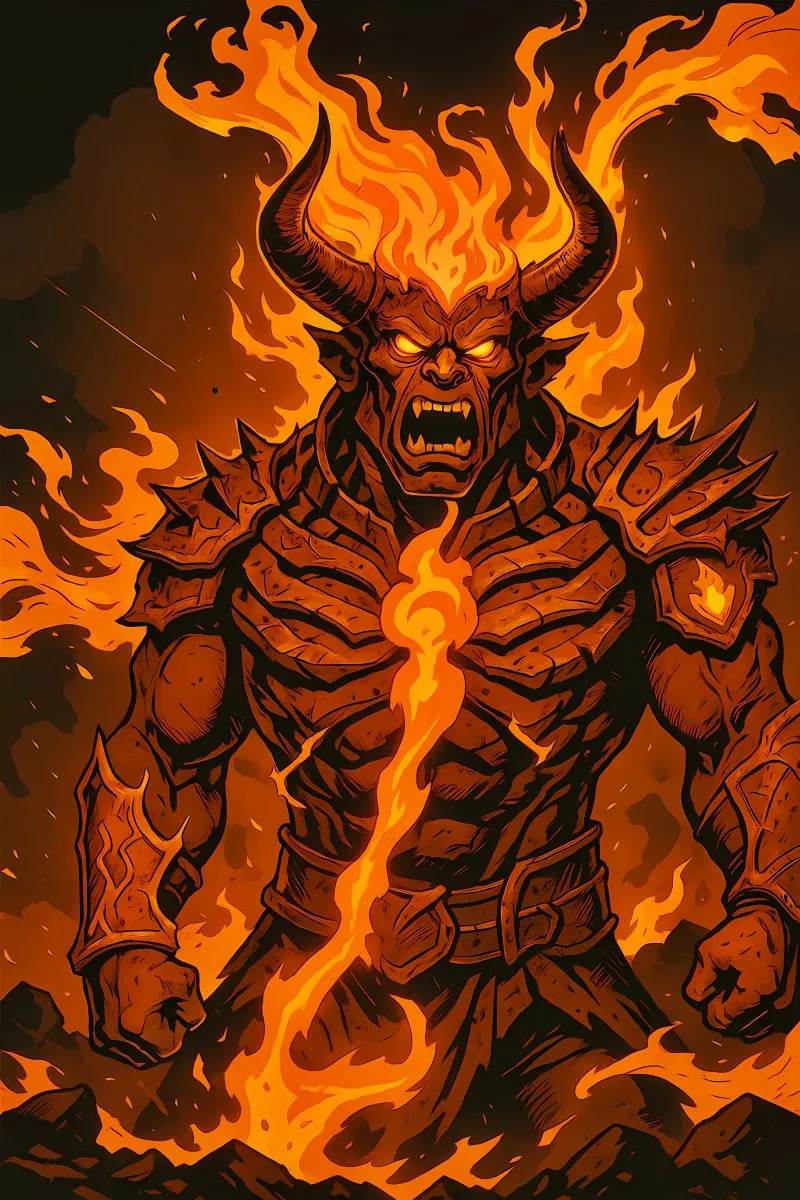
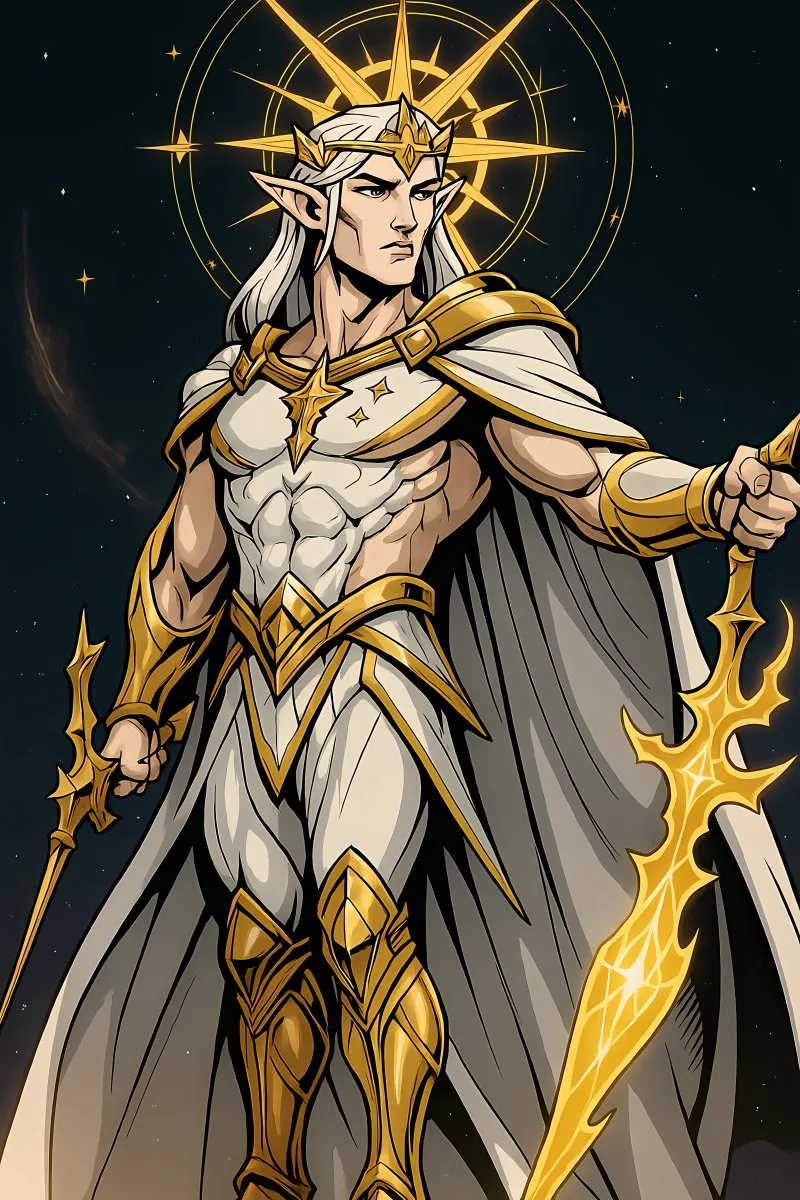
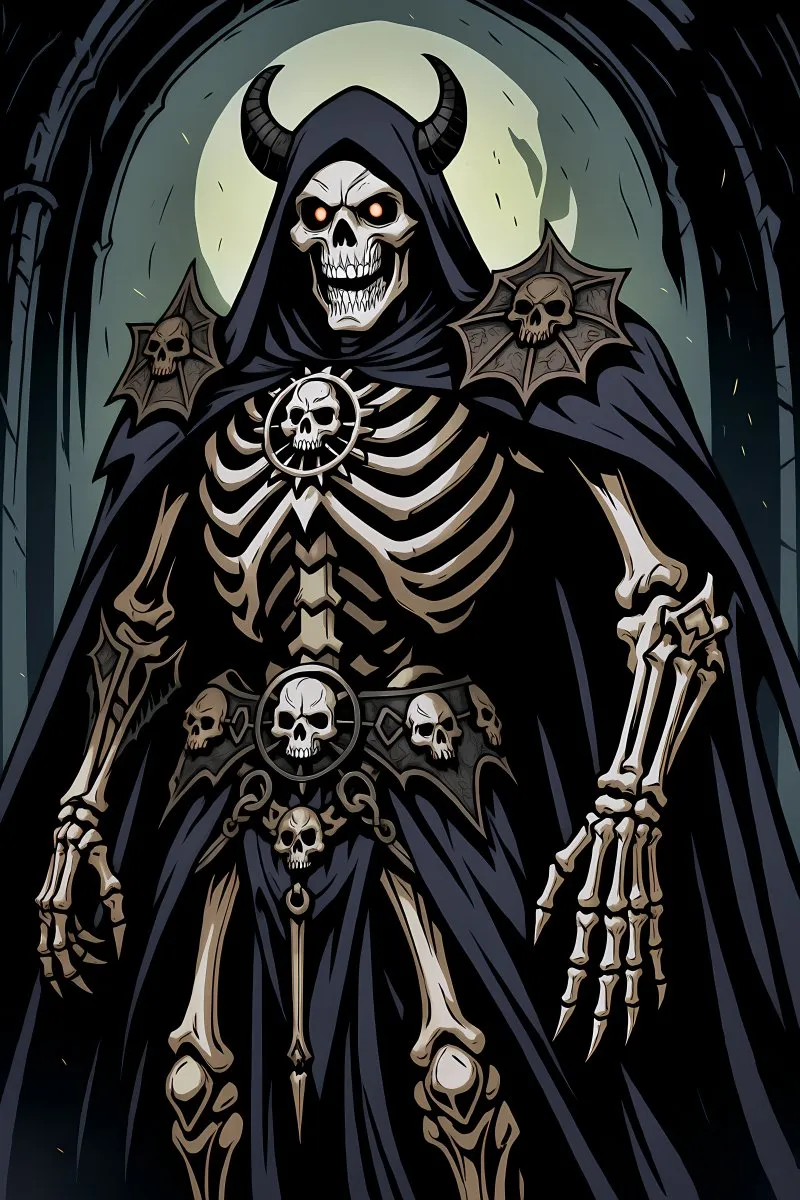
A turn-based card game where nine factions clash, against another player or the computer.




God game
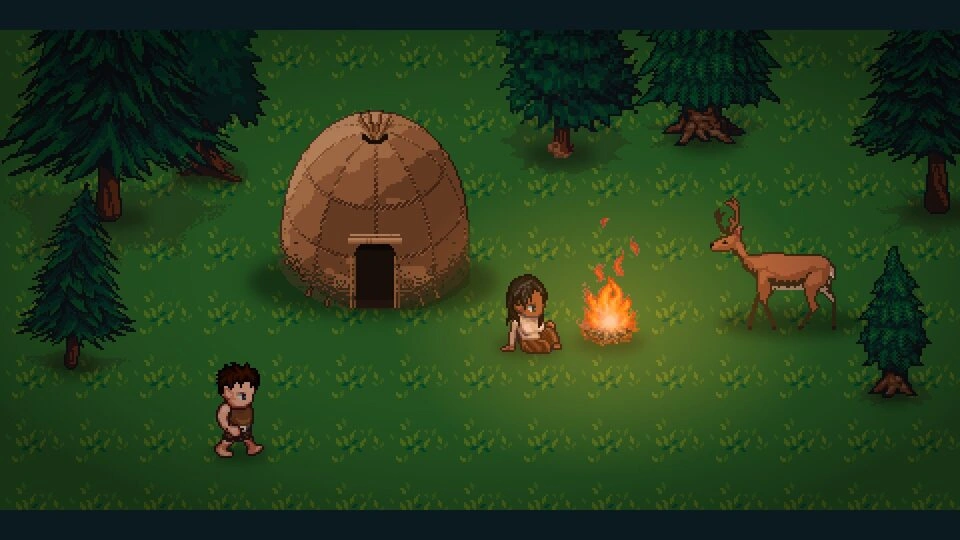
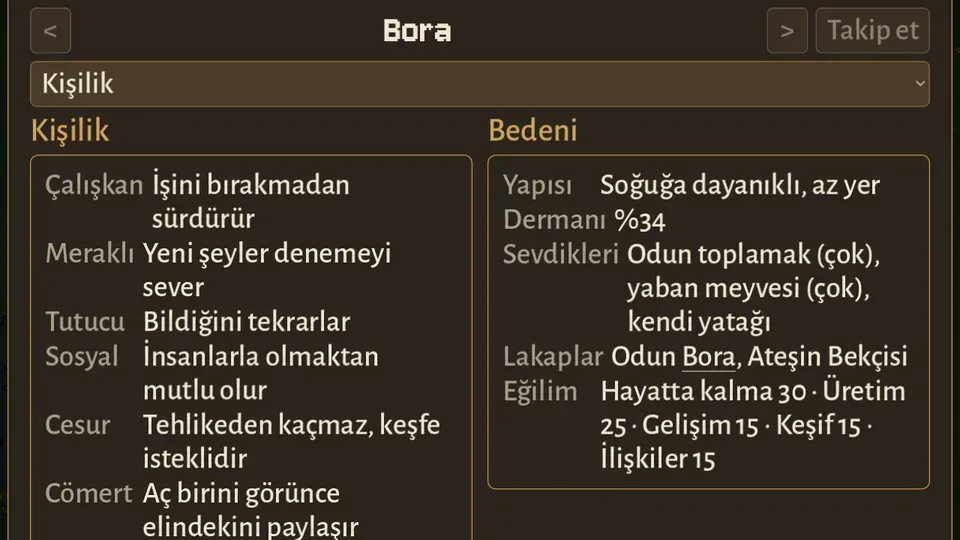
Cogito
A god game that starts with a single person: guide your believers and answer their prayers.
Played with a VIP membership

Launcher
Your games, always up to date.
The Universoft Games launcher installs the games, keeps them updated and checks every file against its signature. The launcher is the only thing you download from the browser.
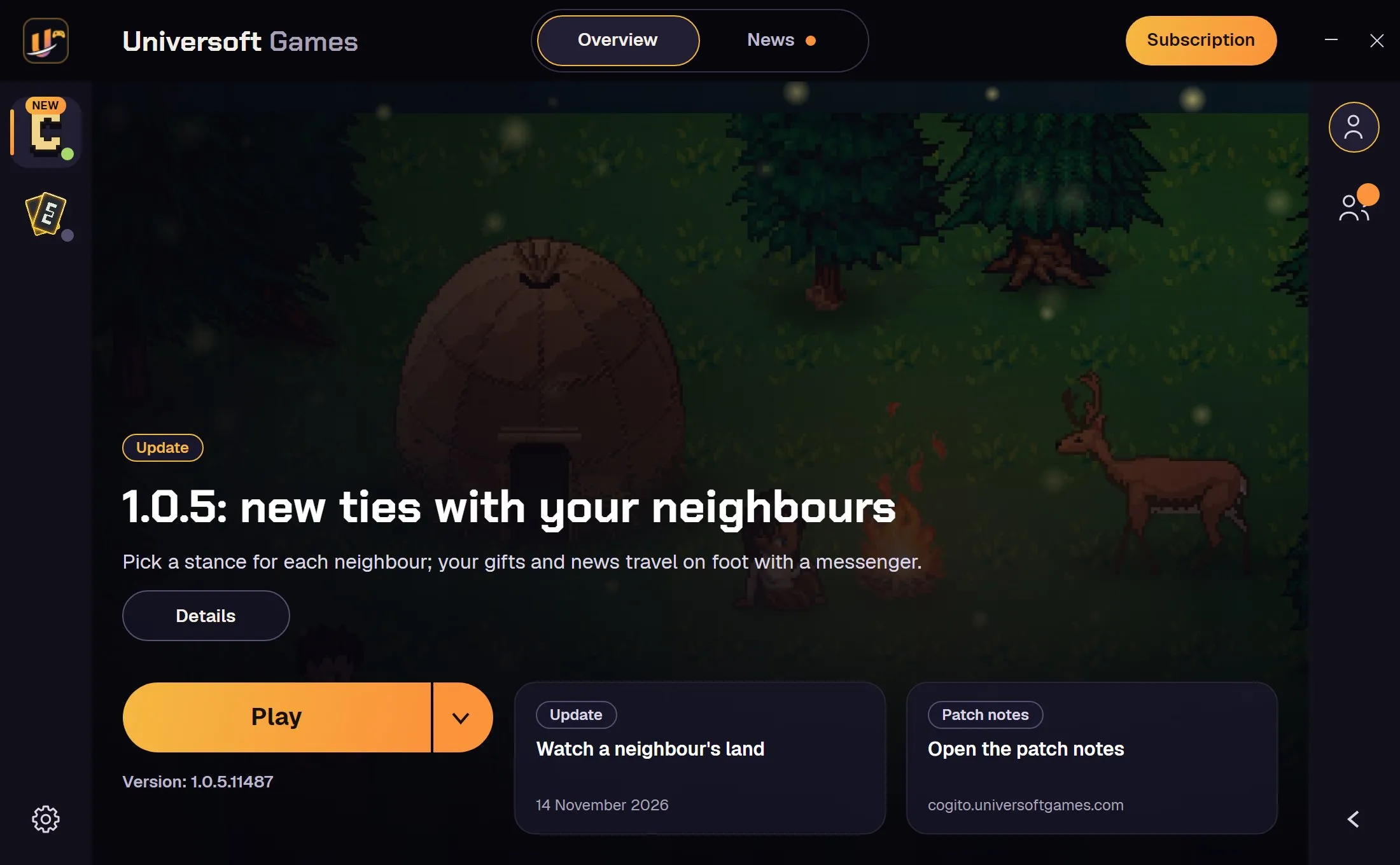
From download to playing in three steps
- 1Download and openThe installer shows its progress, checks the launcher’s signature and puts a shortcut on your desktop.
- 2Open your accountSign in or sign up inside the launcher. The same account works in every game.
- 3Install and playPick a game and press Install. Updates download only what changed; files are checked at start.
My account
One account, both games
Your purchases and progress stay with your account, and the same account signs you in to every game.
Questions
Windows says “protected your PC”. What do I do?
The installer is not signed with a code-signing certificate, so Windows warns. Press More info, then Run anyway.
Does the launcher cost anything?
No. The launcher and Evolia are free; Cogito is played with a VIP membership.
Do I need a separate account for each game?
No. One account signs you in to every game; your purchases and progress stay with it.
How do I uninstall the launcher?
From Windows Settings > Apps. Installed games appear there one by one, and you can also remove them inside the launcher.